Self-hosted OpenClaw companion
Understand your OpenClaw instance in seconds.
LordClaw shows cron health, model choices, session activity, and mobile controls for your self-hosted OpenClaw setup. Your data stays on your machine.
Why LordClaw
OpenClaw visibility without terminal hopping.
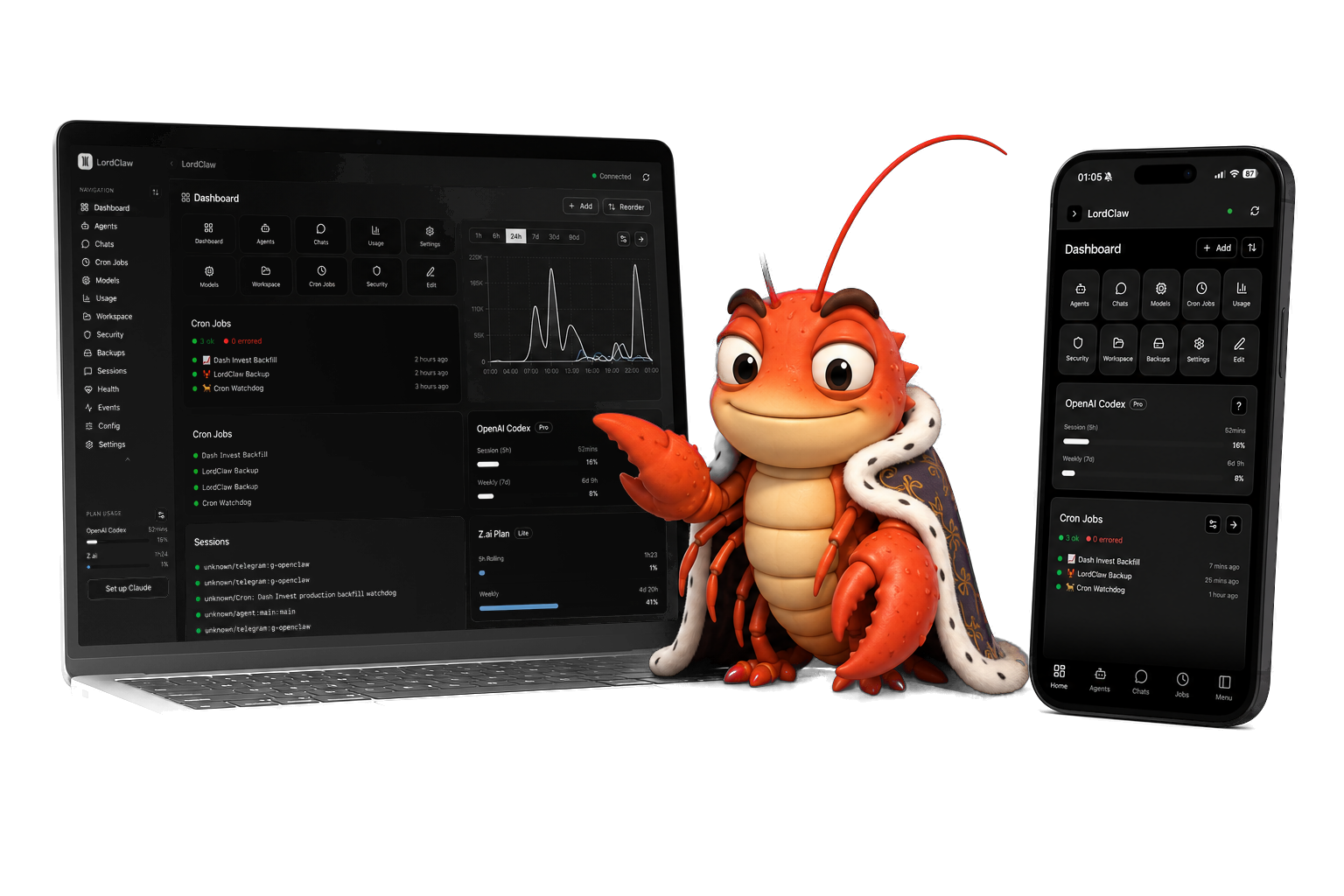
LordClaw gives OpenClaw operators a focused dashboard for the state that usually lives across logs, config files, sessions, and memory.
- See active chats, cron jobs, model usage, files, and devices in one place.
- Catch failed jobs and expensive model choices before they waste more time.
- Keep OpenClaw local while still getting a clean browser interface.
Features
OpenClaw controls in one dashboard.
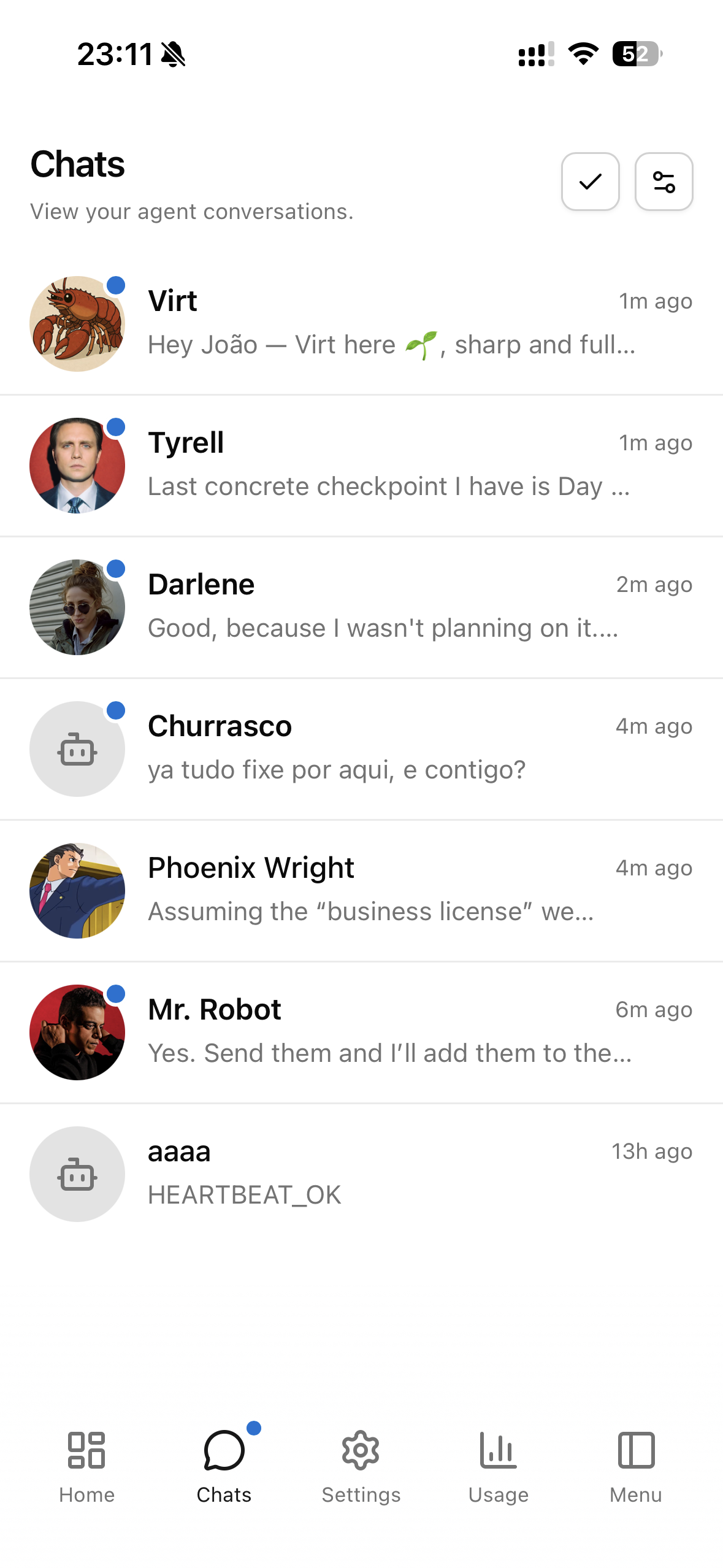
Chats
See every active chat and session.
Open recent sessions, check the current state, and get back to work without digging through terminal output.
Ownership
Self-hosted, private, and yours.
LordClaw follows the same local-first idea as OpenClaw. You run it yourself, you decide who can reach it, and your OpenClaw data does not get sent to a hosted analytics service.
- Fully self-hosted beside your OpenClaw instance.
- No analytics, no remote data collection, and no hosted dashboard.
- Open source with a license. Final license terms will be published before checkout opens.
Device support
Works anywhere with a browser.
Yes. LordClaw is web based, so it works anywhere you can open a modern browser: macOS, Windows, Linux, iOS, Android, desktop, tablet, and phone.
Use it in a desktop browser for longer reviews, or install it as a PWA on your phone for quick checks away from your desk.
- Desktop browser
- Mobile browser
- Phone PWA
- Tablet browser
Security
Private access through Tailscale.
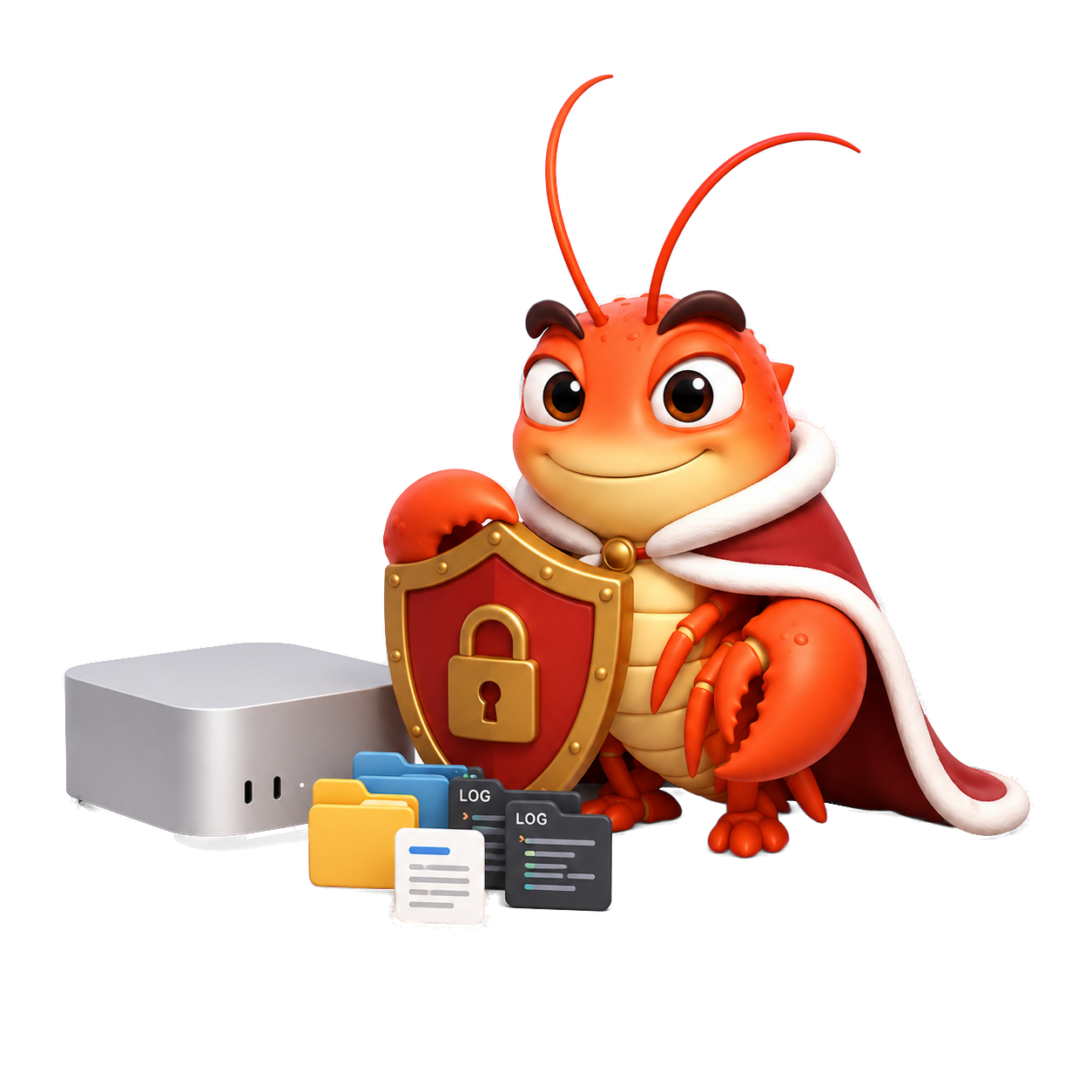
LordClaw is designed for a private network setup. Keep the dashboard off the public internet and reach it from trusted devices.
- Expose LordClaw through Tailscale instead of the public internet.
- Connect with the OpenClaw gateway URL and token you control.
- Keep shutdown, backups, firewall rules, and device trust in your hands.
Setup
Your agent can install it for you.
If Docker and OpenClaw are already running, setup is a short install task: download LordClaw, connect the gateway, and open it in a browser.
- 1Run LordClaw with Docker
- 2Connect your OpenClaw gateway
- 3Open the dashboard in your browser
Pricing
Waitlist now. Yearly license later.
Pricing is not open yet. The current plan is an annual license for operators who want a maintained LordClaw dashboard.
- Join the waitlist now without paying.
- The intended model is a paid yearly license.
- Final pricing will be published before checkout opens.
- There is no hosted-data fee because you run the app yourself.
FAQ
What should I know before joining?
Where does my data go?+
LordClaw is local-first. Your OpenClaw data stays on your machine, not in a hosted dashboard.
What platforms are supported?+
Any platform with a modern browser. The app is web based and can be installed as a PWA on phones that support it.
What is not included?+
LordClaw is not a hosted OpenClaw service. You still run and own your OpenClaw setup.
What do I get if I pre-order?+
You reserve launch access. Final pricing and license terms will be published before checkout opens.
Can I wait instead of pre-ordering?+
Yes. Join the waitlist and you’ll still receive launch notifications and product updates.
Get notified
Join the LordClaw waitlist
We’ll send launch access and product updates. No spam.
We’ll only use this email for LordClaw launch updates.